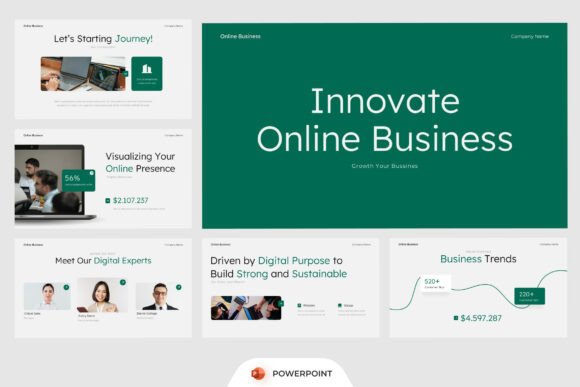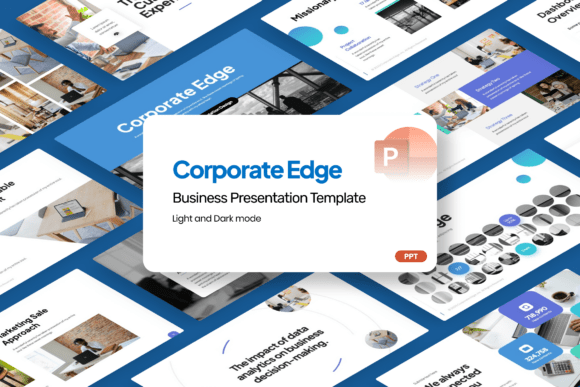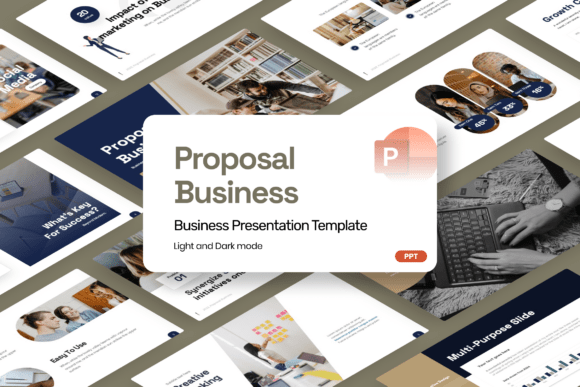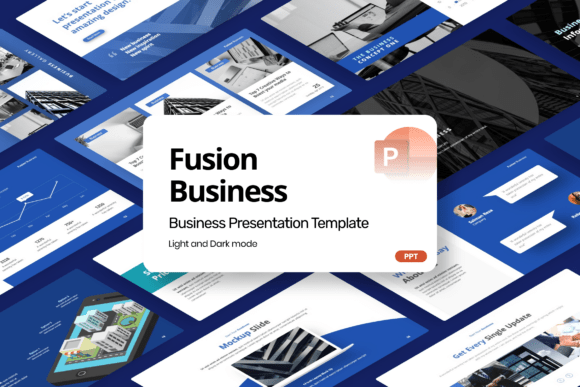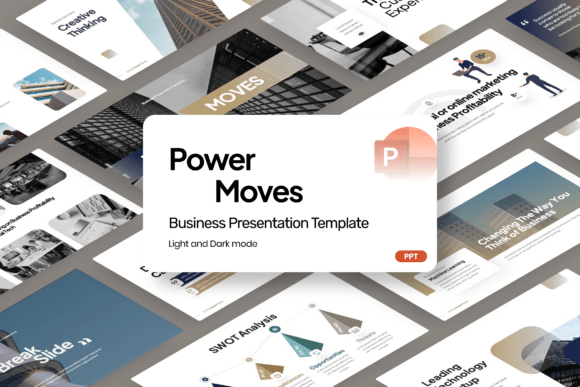
Power Moves Business PowerPoint
Power Moves Business PowerPoint is a purpose-built corporate presentation template designed for professionals who need clarity, consistency, and visual authority—without the overhead of custom design. It’s not just another slide deck; it’s a workflow accelerator. Whether you’re refining a startup pitch before investor hours, aligning your marketing team on Q3 strategy, or preparing a board-ready financial summary, Power Moves Business PowerPoint slots into your existing process—not as an afterthought, but as a structural tool that supports planning, execution, and communication in equal measure.
Where It Fits in Your Workflow
Most presentation templates are used at the end of a process: once content is written, data is finalized, and decisions are locked in. Power Moves Business PowerPoint works earlier—and more continuously. Its clean layouts and modular slide structure encourage structured thinking from the outset. For example, when drafting a project proposal, you might start with the “Problem & Solution” slide to pressure-test assumptions before writing full narratives. When building a company profile, the editorial-style title and overview slides help define messaging hierarchy before copywriting begins. This shifts the template from a formatting layer to a thinking scaffold.
It also bridges gaps between tools. If you’re analyzing customer acquisition data in Excel or Google Sheets, the built-in infographic slides—charts, flow diagrams, timeline visuals—let you translate numbers into narrative without switching platforms mid-flow. Likewise, if you’re collaborating in Notion or Confluence, exporting key Power Moves slides as PDFs or PNGs gives stakeholders consistent, branded touchpoints without requiring software access.
Before the Presentation: Planning and Alignment
Preparation is where Power Moves Business PowerPoint delivers quiet leverage. Because every slide is fully editable and built on a 16:9 widescreen ratio, you can draft speaker notes, annotate data placeholders, and rehearse transitions directly in PowerPoint—no need to juggle separate documents. The included Help Guide Files walk through customization logic (e.g., how color themes map to slide types, where to insert icons without breaking alignment), reducing setup time from hours to minutes.
For teams, this means faster alignment cycles. A marketing lead can drop campaign KPIs into the “Performance Dashboard” slide, share the .pptx with designers and analysts, and get feedback on both content and visual framing in one file. No version chaos. No mismatched fonts or inconsistent spacing. The free font included ensures typography remains cohesive across devices—even when collaborators don’t have premium font licenses.
During Execution: Flexibility Without Friction
Real-world business work rarely follows a linear path. You’ll revise forecasts, shift priorities, swap metrics, and reframe messaging—sometimes hours before delivery. Power Moves Business PowerPoint is built for that reality. Each slide is independent: delete, duplicate, reorder, or recolor without cascading layout breaks. That “Financial Overview” slide? Pull it into a standalone deck for finance review. Use the “Competitor Comparison” layout in a sales enablement kit. Repurpose the “Team Structure” graphic for onboarding docs.
This flexibility extends to compatibility. The template runs natively in Microsoft PowerPoint (desktop and web), and exports cleanly to PDF or Keynote. No embedded scripts, no proprietary add-ons—just standard PPTX. That matters when working across organizations: consultants sharing decks with clients, agencies delivering assets to enterprise IT departments, or educators distributing materials to students using varied software setups.
After Delivery: Reuse, Refine, Scale
A strong presentation shouldn’t be disposable. With Power Moves Business PowerPoint, every deck becomes a living asset. Save versions by use case: “Startup Pitch v2_Q2,” “Annual Review_Finance,” “Product Launch_Marketing.” Because all image placeholders are clearly labeled (and stock images are intentionally excluded), swapping visuals later is intentional—not guesswork. You retain full control over branding, tone, and data fidelity.
Long-term users report building internal libraries around the template: a “Pitch Kit” folder with pre-formatted slides for common investor questions, a “Client Onboarding” sequence with editable service timelines, even a “Board Reporting” master file updated quarterly. This isn’t about hoarding slides—it’s about reducing cognitive load. When the structure is reliable, attention shifts to substance: sharper insights, clearer trade-offs, better storytelling.
Integration With Your Existing Toolkit
Power Moves Business PowerPoint doesn’t replace your CRM, analytics dashboard, or content calendar—it connects them. Export charts from Tableau or Power BI as high-res PNGs and drop them into infographic slides. Paste bullet points from a Notion brief directly into the “Executive Summary” layout. Pull headlines and stats from your latest blog post into the “Market Opportunity” slide. The template acts as a visual integration layer, turning fragmented inputs into coherent output.
For educators and trainers, it supports blended delivery: use the “Learning Objectives” and “Key Takeaways” slides to bookend workshops, then export individual slides as handouts or embed them in LMS modules. Freelancers and agencies appreciate how easily they can white-label the design—changing colors, swapping logos, adjusting tone—to match client brand guidelines without rebuilding from scratch.
Practical Tips for Smoother Implementation
- Start small: Pick one recurring presentation type—like monthly performance reviews—and rebuild it using Power Moves Business PowerPoint. Compare time spent formatting vs. refining content. Most users cut prep time by 30–50% within two uses.
- Standardize early: Agree on 2–3 primary colors and one accent color across your team. The template’s theme engine makes global updates fast—no manual recoloring slide-by-slide.
- Protect your assets: Since stock images aren’t included, maintain a shared cloud folder of approved visuals (logos, product shots, team photos) with clear naming conventions. This prevents last-minute scrambling and keeps decks visually consistent.
- Use the Help Guide proactively: It explains not just *how* to edit, but *why* certain layouts exist—e.g., why the “Roadmap” slide uses staggered milestones instead of a linear Gantt. Understanding intent helps you adapt, not just decorate.
What Makes It Sustainable Over Time
Templates fade when they force rigid thinking or demand constant upkeep. Power Moves Business PowerPoint avoids both traps. Its editorial styling—balanced whitespace, intentional typography, restrained iconography—ages well. It doesn’t chase trends; it supports clarity. And because it’s built on native PowerPoint functionality (no macros, no external dependencies), it stays compatible across Office updates. Users who adopted it in 2022 still use the same files today—with refreshed content, not rebuilt decks.
That longevity comes from design discipline, not complexity. There’s no learning curve to “unlock features.” There’s no hidden menu or undocumented shortcut. What you see is what you edit—and what you edit translates reliably into outcomes: confident pitches, aligned teams, stakeholder trust, and presentations that serve their purpose long after the final click.
Who Benefits Most—and How
Entrepreneurs use it to tighten narrative focus before demo days. Consultants rely on it to maintain quality across client-facing deliverables without reinventing structure each time. Marketing teams deploy it to unify campaign reporting across channels. Small business owners appreciate how quickly they can turn raw sales data into a compelling story for lenders or partners. Even educators repurpose its analytical slides to visualize research findings or curriculum mapping—proving that strong structure transcends industry.
The common thread isn’t role—it’s intention. If your work involves translating complexity into understanding, coordinating action across people or platforms, or representing value with precision, Power Moves Business PowerPoint fits—not as a decoration, but as infrastructure.